

Openmage compatiblity & integrations

How to install Oct8ne on OpenMage
We have a plugin for OpenMage!
Download the plugin and activate your account using your Oct8ne username and password.
1. Create your Oct8ne account
Sign up at Oct8ne and create your user account.
2. Download the OpenMage plugin
3. Unzip and Upload to the server
-
Unzip the plugin.tgz file on your computer.
-
Copy the extracted content (the app folder and, if they exist, skin, js, lib, etc.).
-
Paste these folders directly into the root directory of your OpenMage installation. If prompted to merge or overwrite folders, select Yes to all.
4. Clear the OpenMage cache
-
Log in to your OpenMage admin panel.
-
Go to System > Cache Management.
-
Click the orange Flush Magento Cache (or Flush & Apply Updates) button.
5. Refresh Permissions (Important!)
To avoid “Access Denied” errors when accessing the new menus:
-
Click Log Out in the top right corner.
-
Log back in with your username and password.
6. Link with Oct8ne
In the top menu, go to Oct8ne > Account Setup. Enter your email and password to link the module with your account.
7. Oct8ne Configuration
Go to System > Configuration.
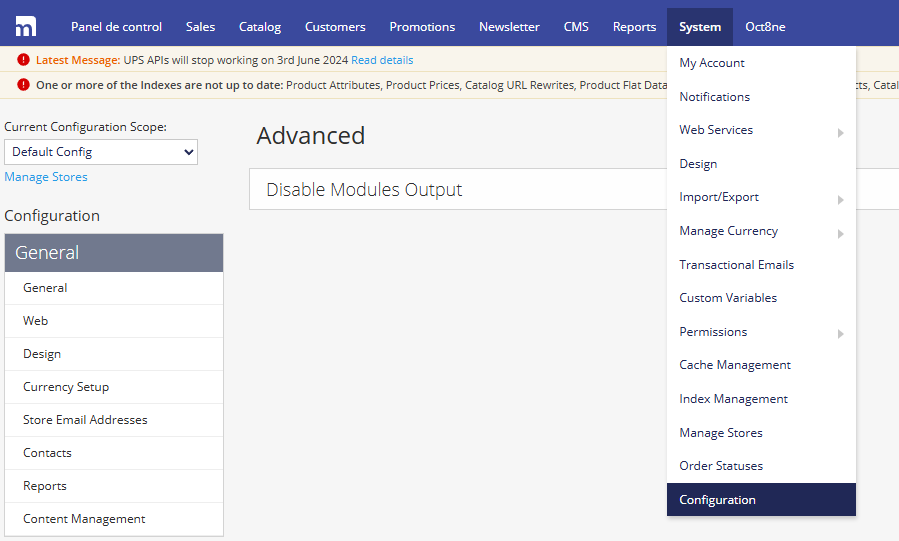
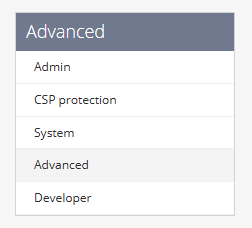
On the left sidebar menu, scroll down to Advanced > Advanced
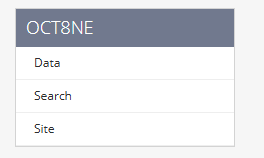
Finally, in the left sidebar, you will find Oct8ne with its various configuration sections.
Integrating Oct8ne is very easy